Finalizing closes a re-enrollment cycle. Do it once the academic year has ended and you’ve decided every student’s place for next year.
Before you start
- The cycle must be Active. See Run a re-enrollment cycle.
- The academic year must have ended: today must be on or after the end date of its last term.
- Filter the student list by Pending to find students you haven’t decided on yet.
Steps
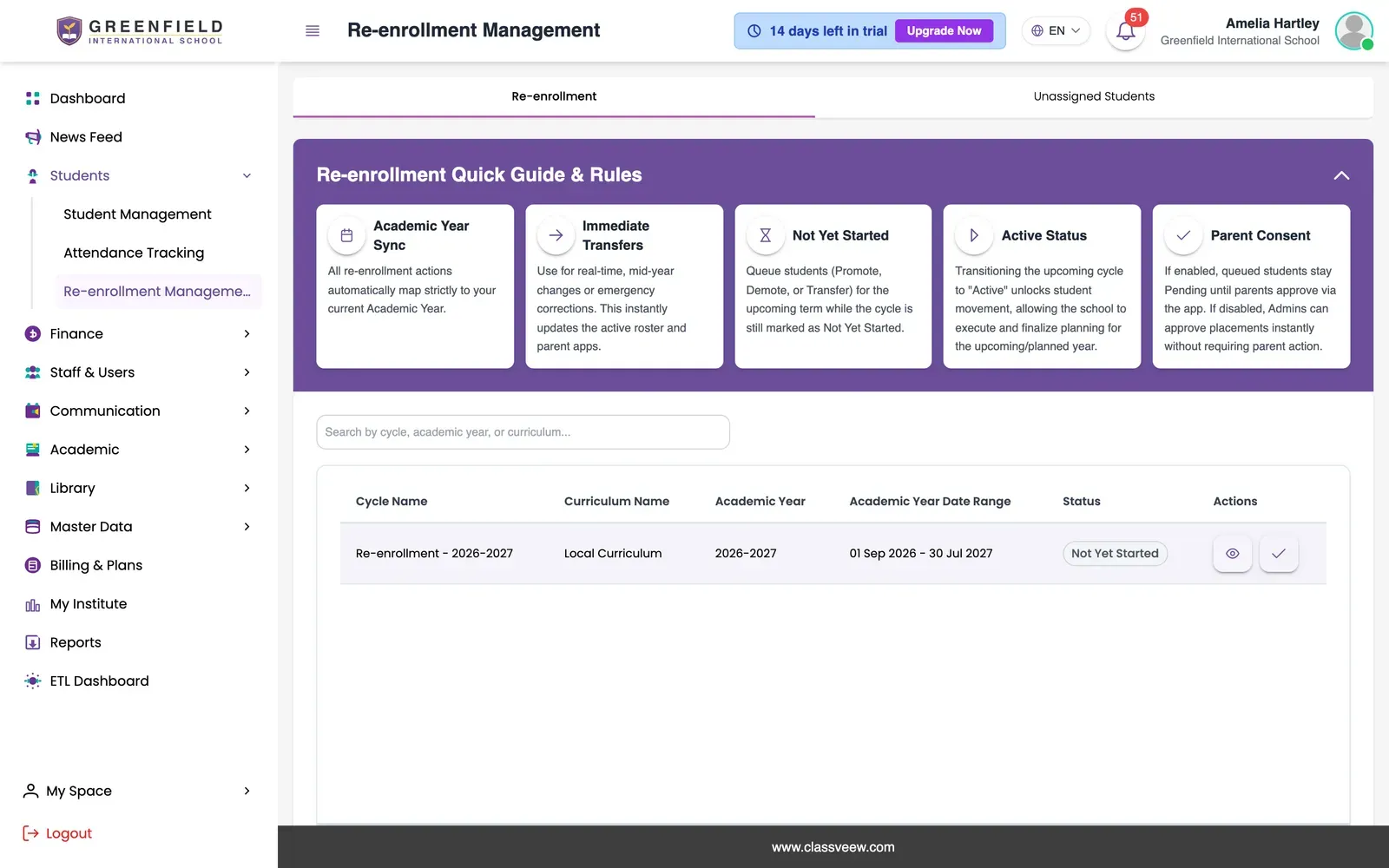
- Open Students → Re-enrollment Management.
- On the active cycle, select Finalize Cycle. You can also select it at the top of the cycle’s student list.
- Read the summary of what will happen and the number of affected students.
- Select Yes, Finalize.
What finalizing does
- Scheduled moves are applied. Students you promoted, moved back or transferred without Apply Immediately move into their new classrooms.
- Scheduled leavers leave. Students set to Graduate or Drop Off are removed from their classrooms.
- Undecided students are marked Failed. Anyone still Pending is marked Failed and stays in their current classroom.
- Parents are told. Parents of the students in the cycle get a “Re-enrollment Complete” notification.
- The cycle is locked. Its status becomes Completed, and this can’t be undone.
Good to know: check the Pending students before you finalize. A student marked Failed by mistake stays in their old classroom.