When your school creates an event for your child’s class, you get a notification.
Steps
-
Tap the notification, or tap Events at the bottom of the app and open the event.
-
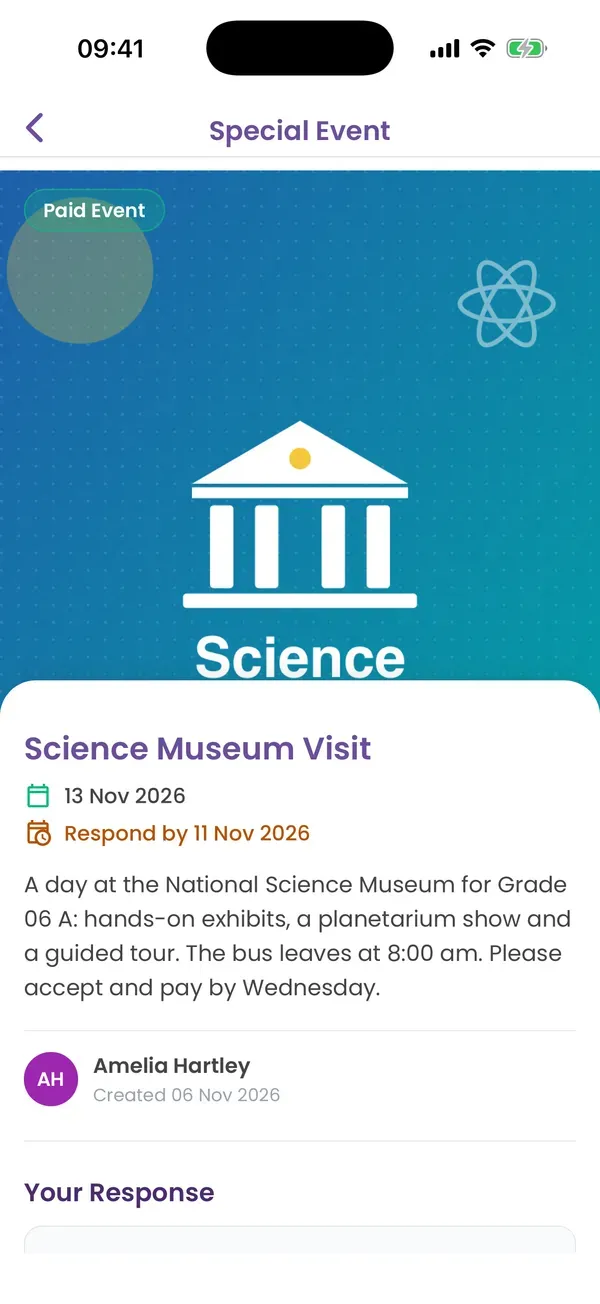
Read the details: the date, what it’s about and the Respond by date.
-
Under Your Response, tap Accept or Decline.
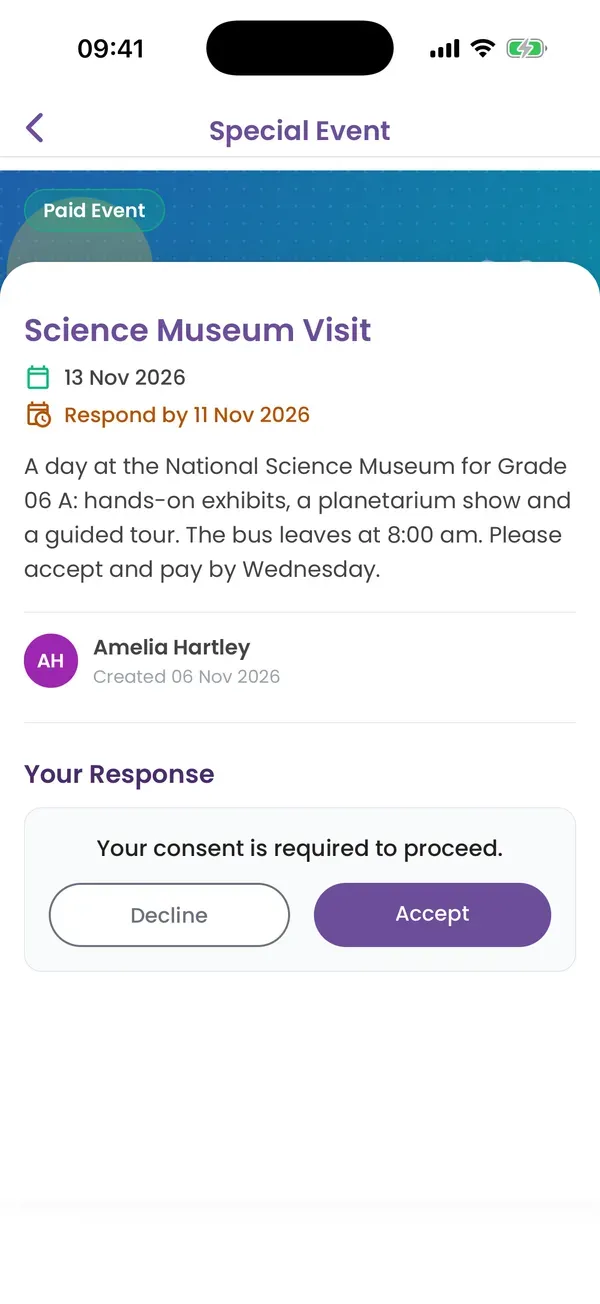
For a paid event, accepting adds the event fee to your payments, where you can pay it in the app. See View and pay school fees in the app.
Good to know: you reply for the child selected at the top right. With two children in the same class, reply for each of them.