Can’t get into Classveew? Find the message or situation that matches yours below.
I forgot my password
On the sign-in page, select Forgot Password? and follow the steps to get a code by email and choose a new password. See Reset your password.
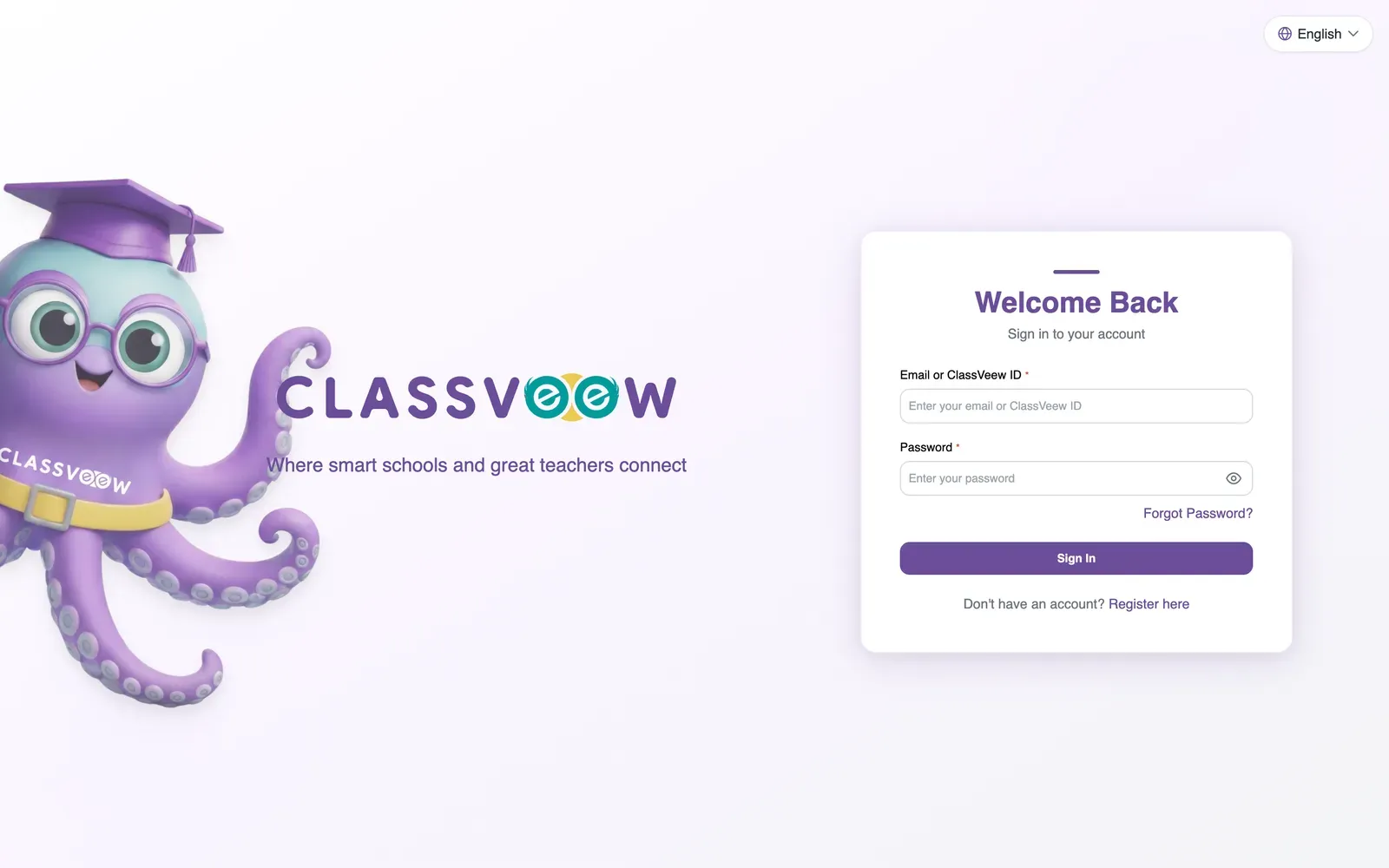
My email or password isn’t accepted
- Check you’re using the email address your school has for you. Students sign in to the web portal with their email or ClassVeew ID. See Give students web access.
- Select the eye in the password box to check what you typed.
- After a wrong password, Classveew may warn you how many tries you have left.
My account is locked
To protect your account, Classveew locks it after too many wrong passwords or wrong sign-in codes:
- After 4 wrong tries, you have to wait 15 minutes.
- After 8 wrong tries, you have to wait 30 minutes.
- After 12 wrong tries, the email address is blocked for good. Forgot Password? won’t unlock it. Contact your school administrator.
While you wait, the sign-in screen shows a countdown. Each time your account is locked, we send you a security email, so you know if someone else is trying to get in.
It’s my first time signing in
If your school sent you a temporary password, sign in with it. Classveew then asks you to choose a new password (For your security, please change your password.). Enter it twice and select Change Password. Temporary passwords expire, so sign in soon after you get the email. If it has expired, ask your school to send the invitation again. See Didn’t get the invitation email?
“Your account is currently inactive”
Your school has made your account inactive, or your school’s Classveew account has been switched off. Contact your school to have it turned back on.
I’m asked for a code
Two-step verification is on for your account or your school. See Didn’t get the sign-in code?
The app says I can’t use it
Admin and student accounts can only sign in to the web portal at app.classveew.com. See Fix common app problems.