Steps
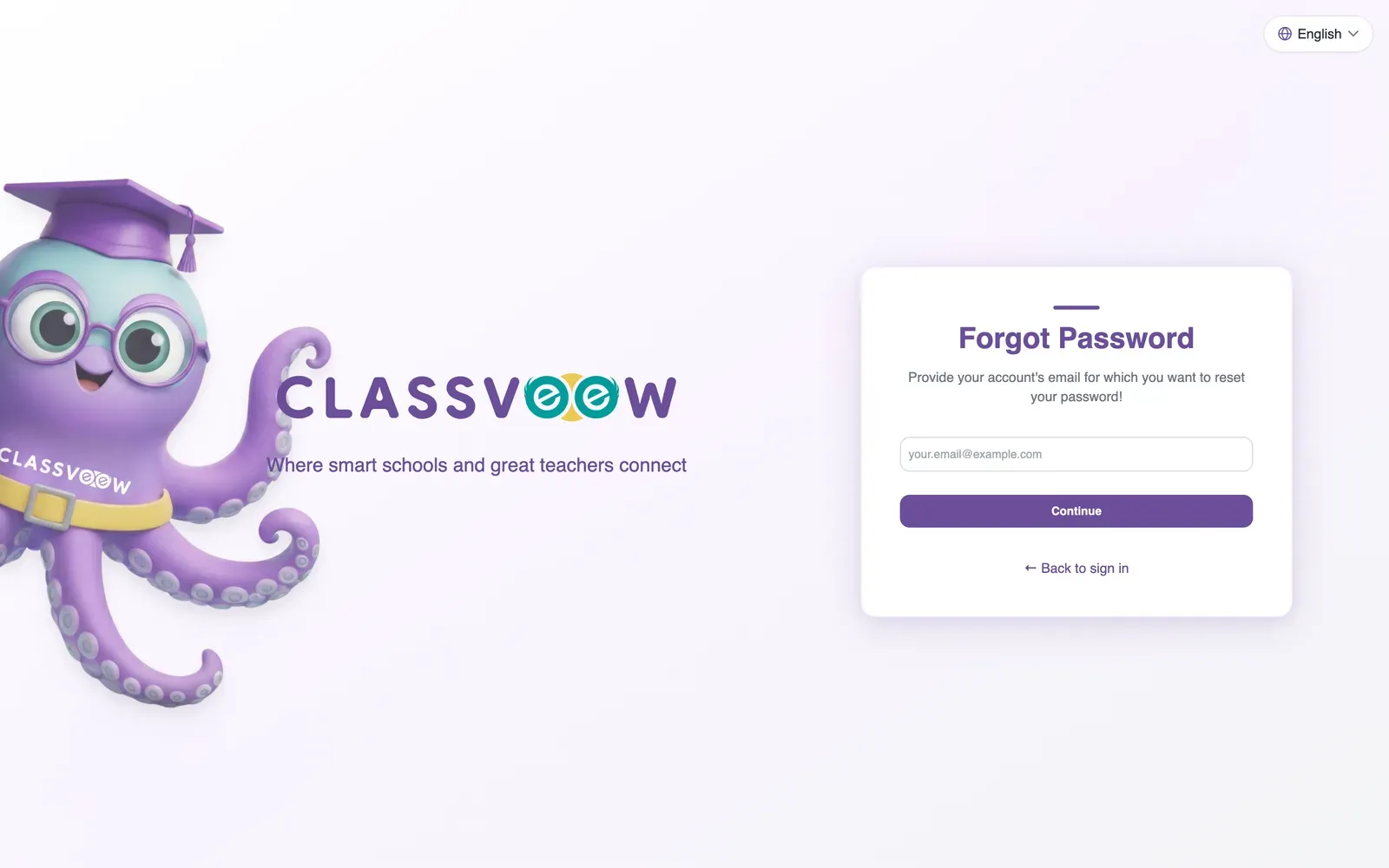
- On the sign-in page, select Forgot Password?.
- Enter your account’s email and select Continue.
- Check your email for the code, enter it, and choose a new password.
A strong password
Your password needs at least 8 characters with upper and lower case letters, a number and a symbol. You can’t reuse one of your last five passwords.
Good to know: after several wrong passwords, your account is locked for a while to keep it safe, and you get a security email.