Steps
-
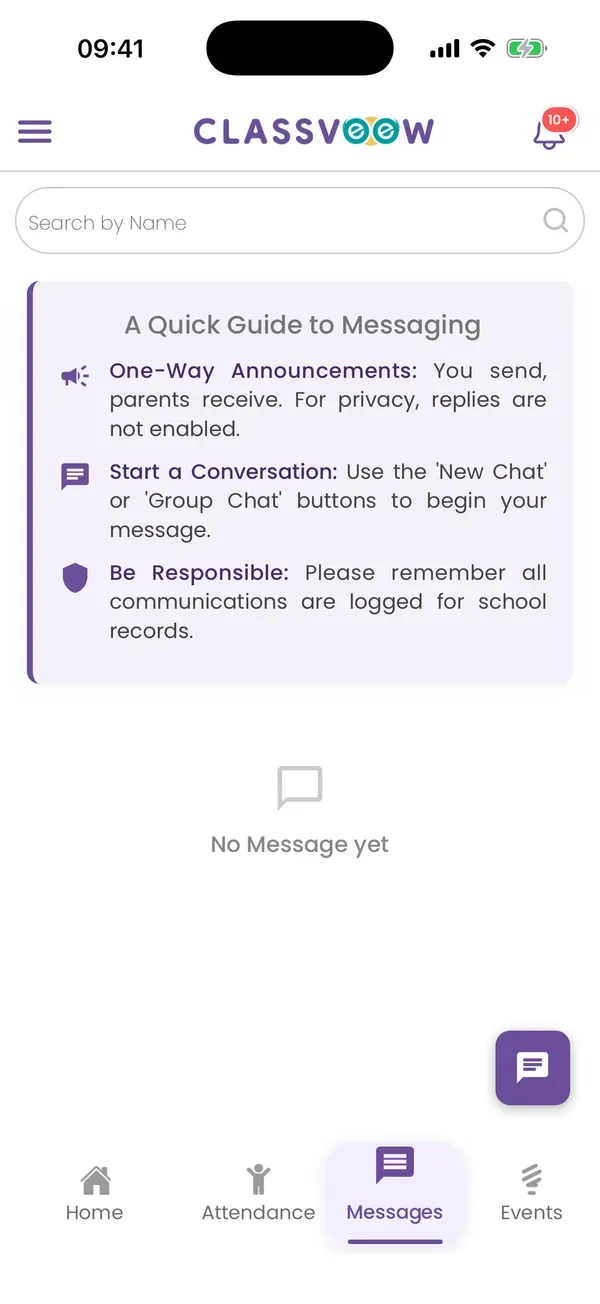
Tap Messages at the bottom of the app.
-
Tap the new message button at the bottom right.
-
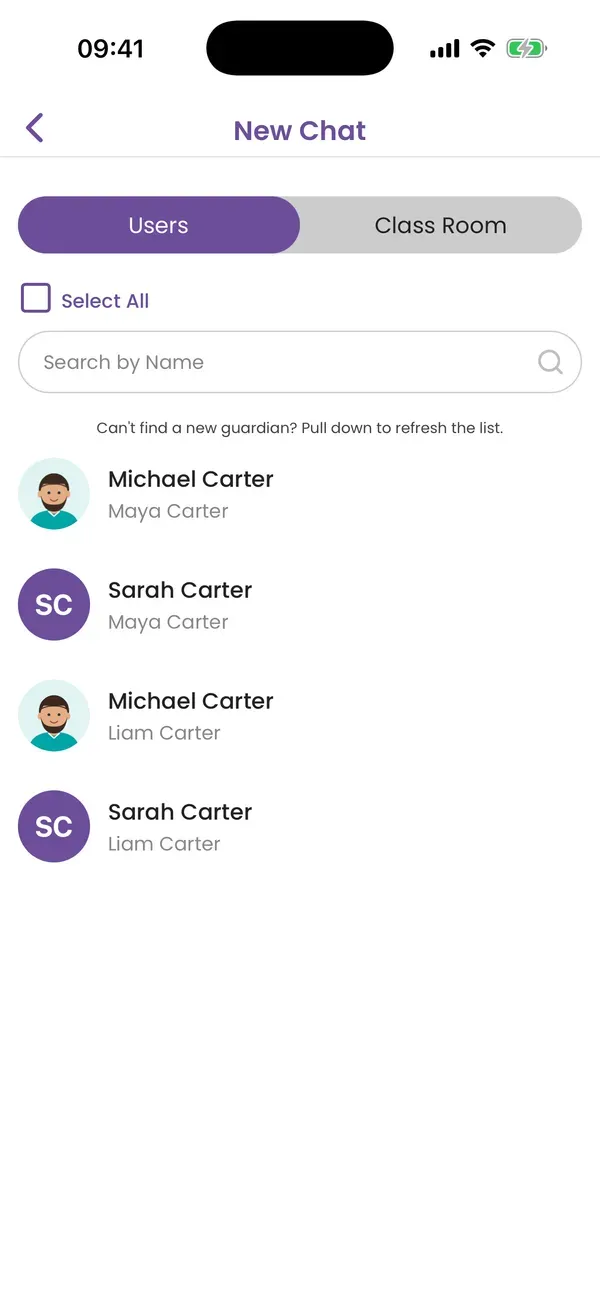
Choose Users to message parents one by one, or Class Room for a whole class. Search by name, or tick Select All.
-
Tick the parent. Each parent is listed with their child’s name.
-
Type your message and tap send.
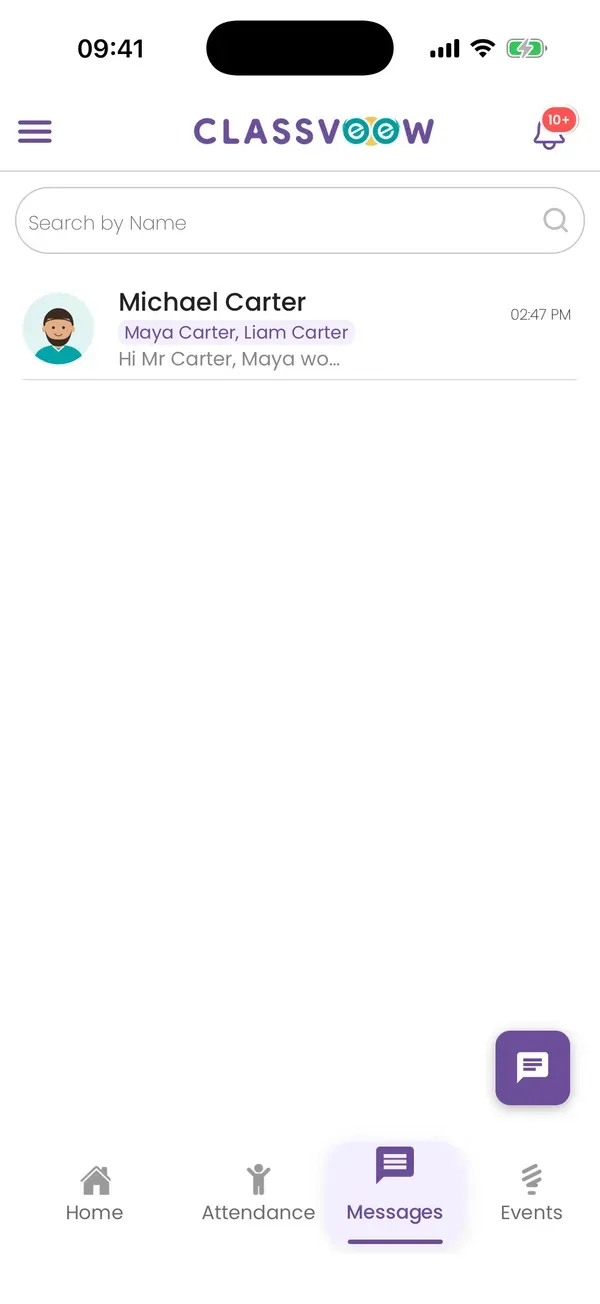
The conversation appears in your Messages list, with the parent, their children and your latest message.
Good to know: messages are kept for the school’s records.