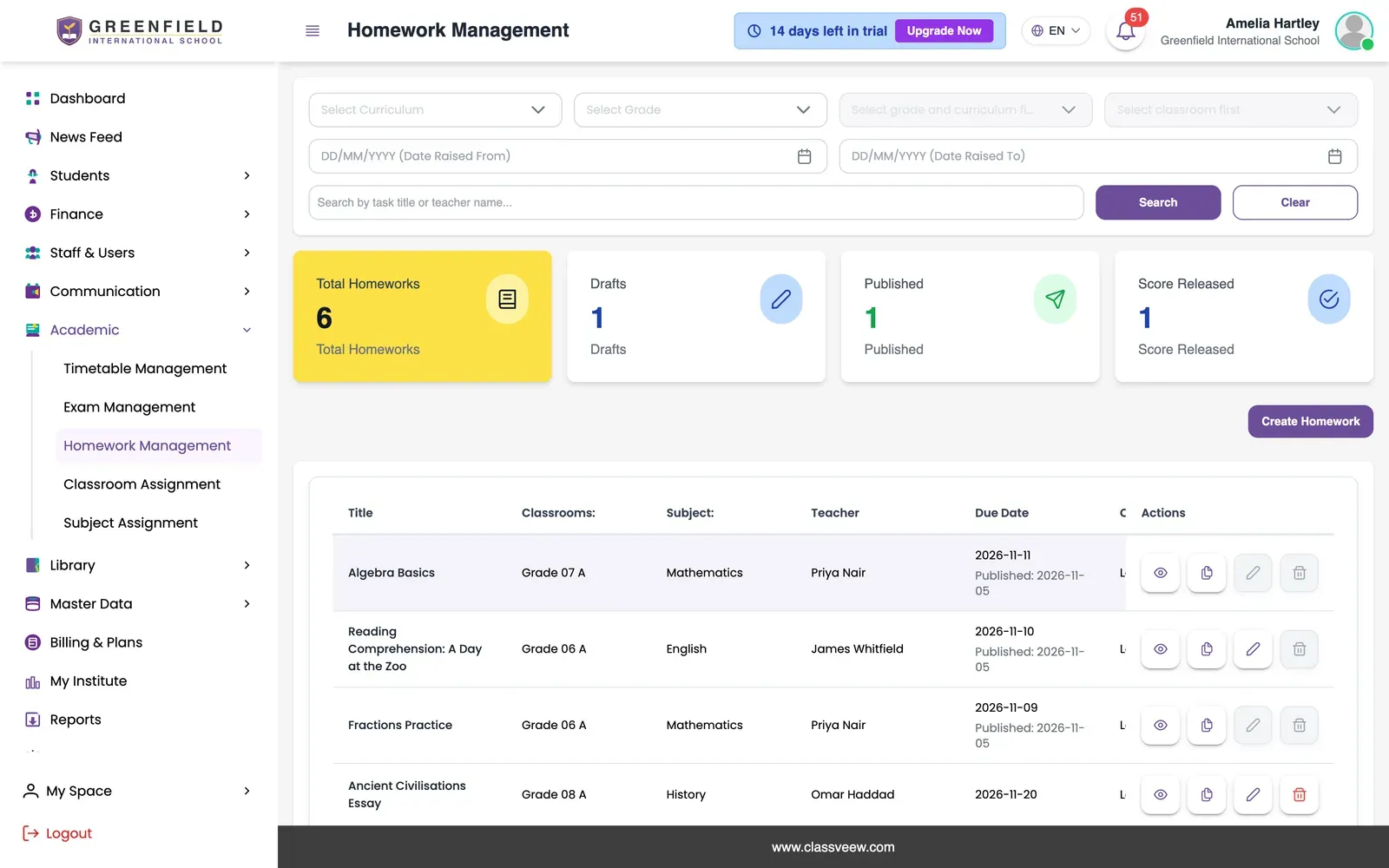
Steps
- Open Academic → Homework Management and select Create Homework.
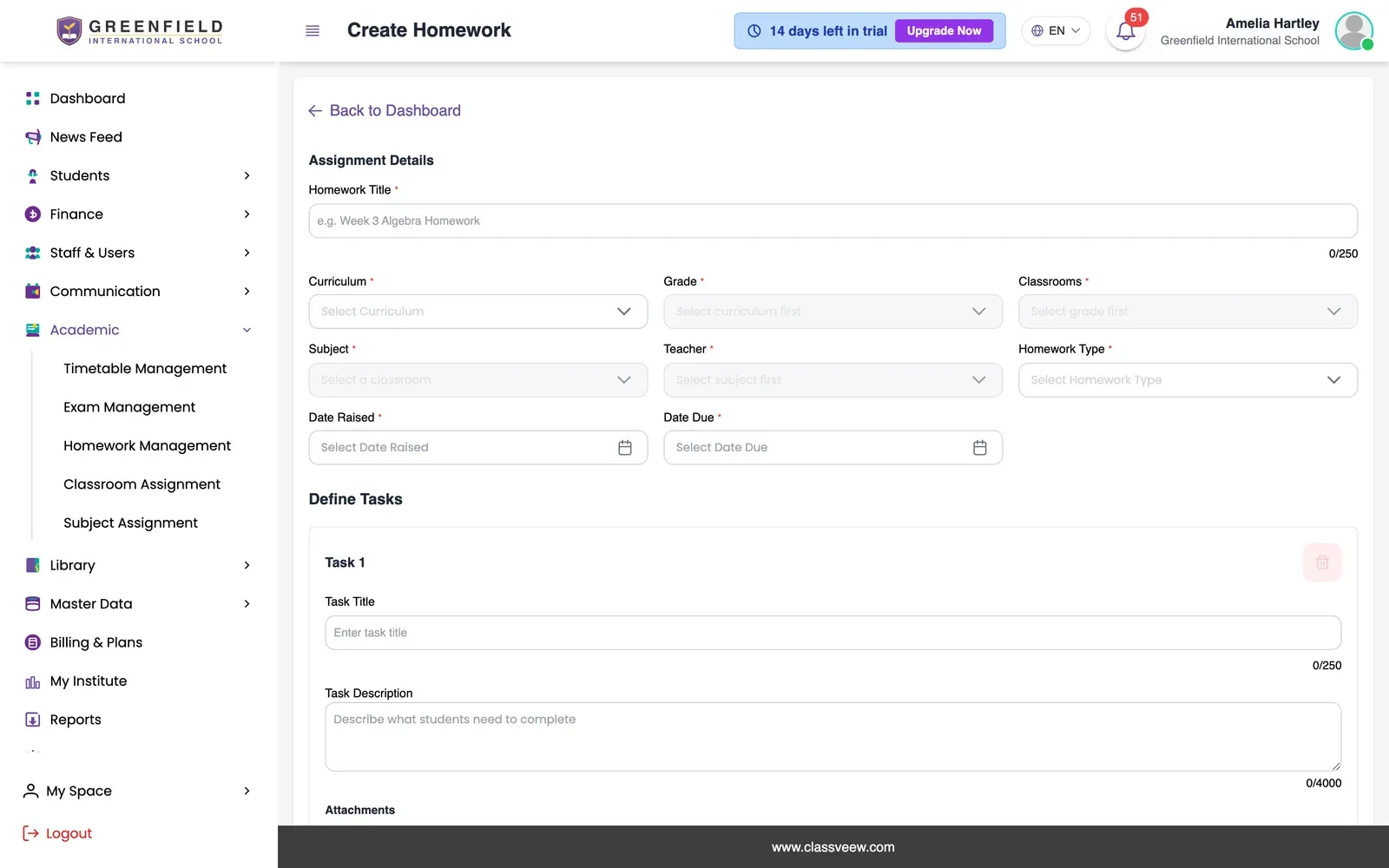
- Enter the Homework Title.
- Choose the curriculum, grade, classrooms, subject and teacher.
- Choose the Homework Type, which decides whether students get a score, feedback only or neither.
- Set the date raised and the due date.
- Under Define Tasks, add each task with a title, a description and any attachments.
Follow your homework
Homework Management shows how many homework items you have in drafts, published and score released, and lists every homework item with its classroom, subject, teacher and due date.