In the app
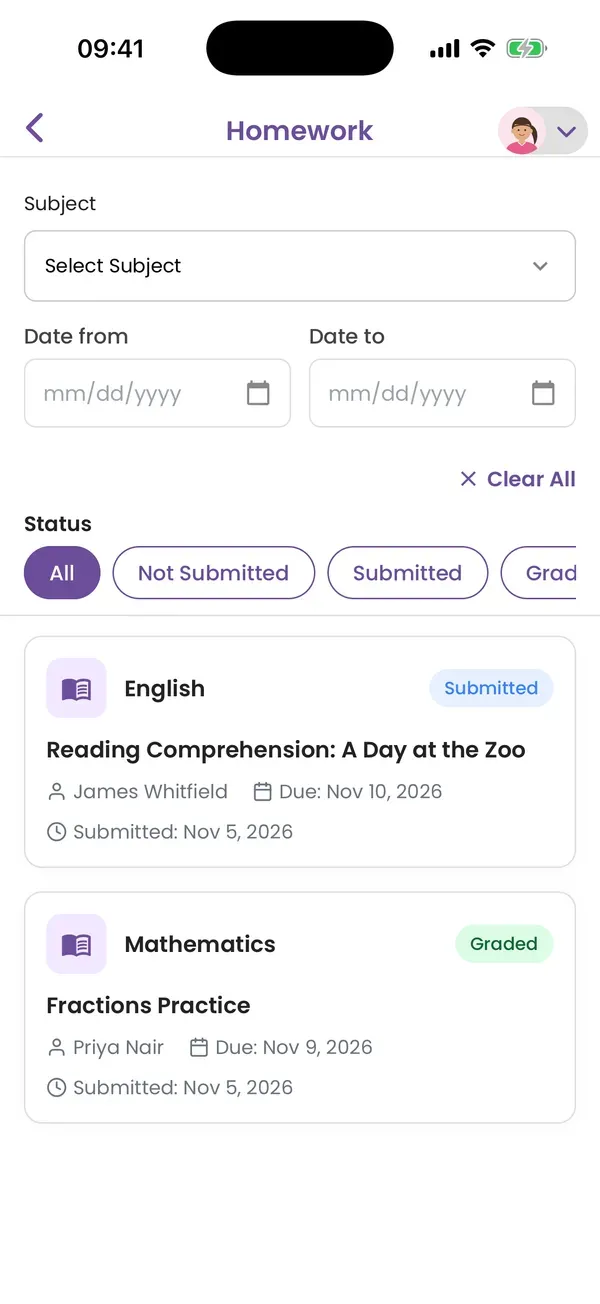
- Open the menu at the top left and tap Homework.
- Filter by subject, dates or status: Not Submitted, Submitted or Graded.
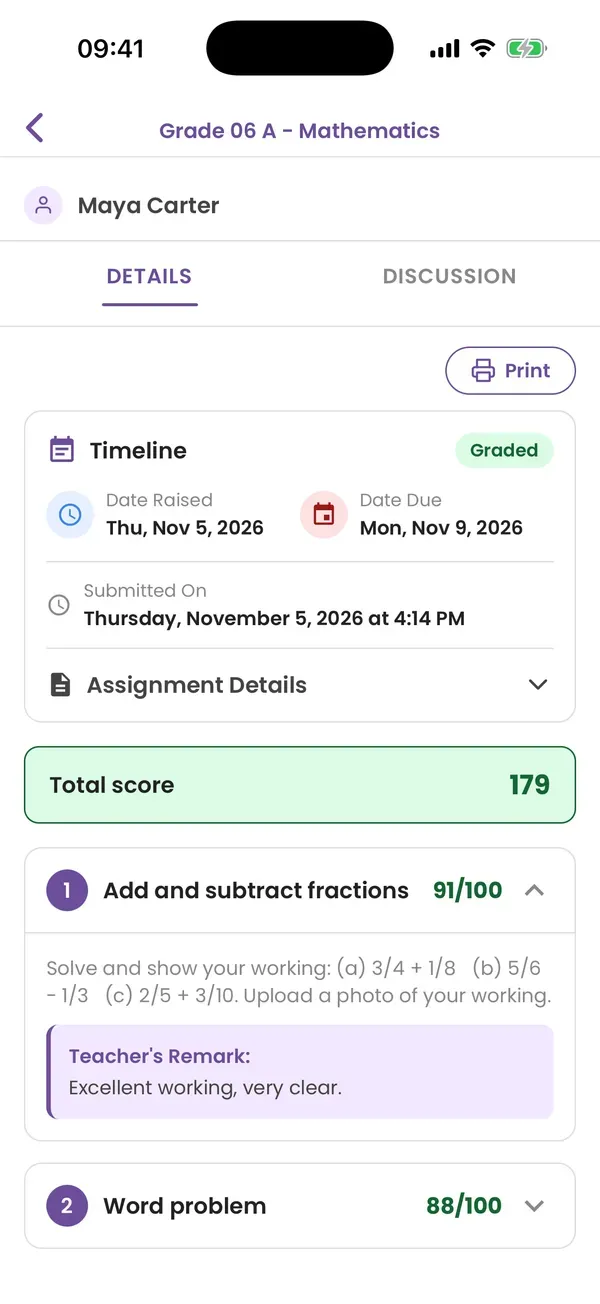
- Tap a homework item to open it. The Details tab shows the dates, the assignment details and, once it’s graded, the total score with the score and the teacher’s remark for each task. The Discussion tab is for comments.
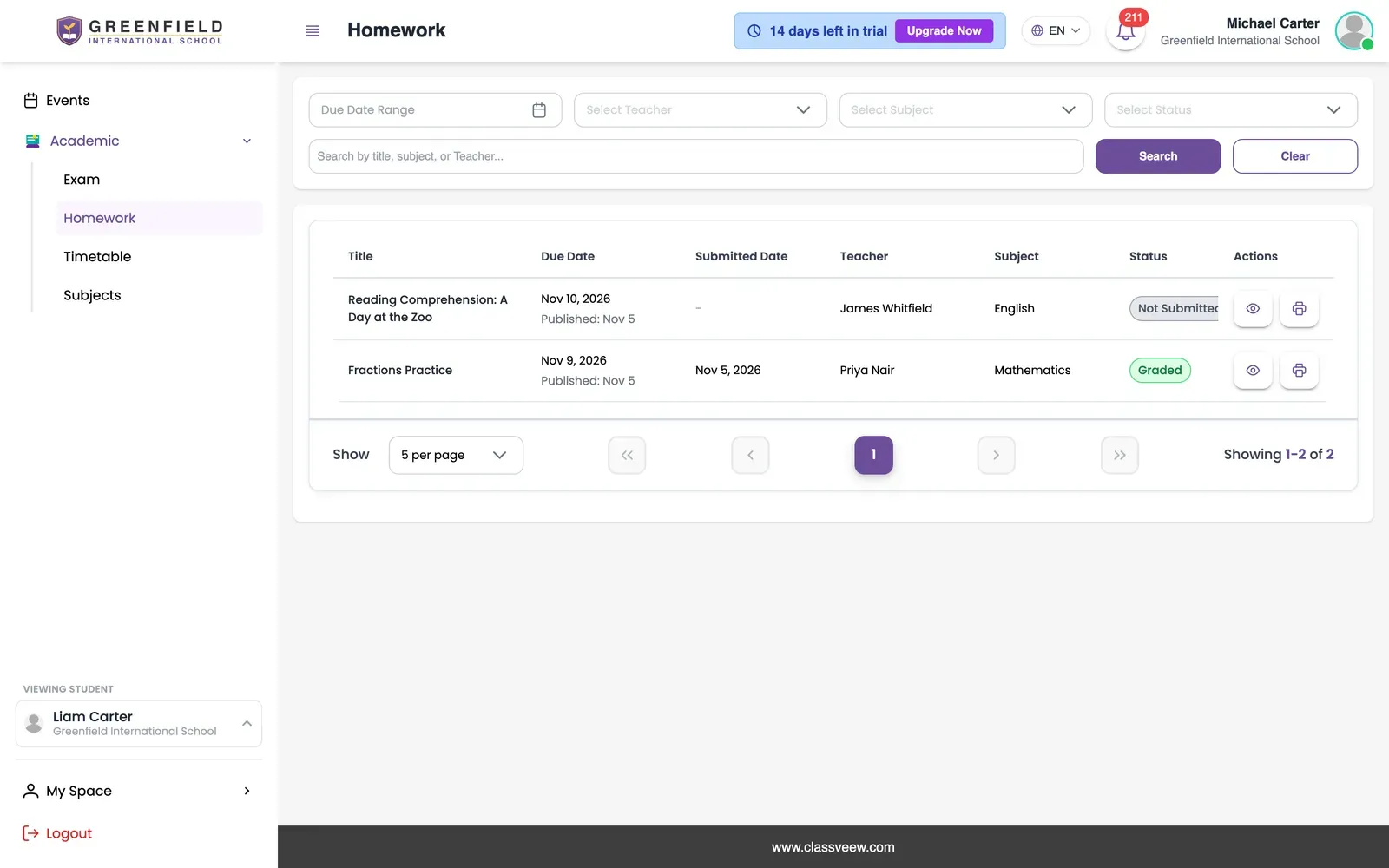
On the web
Parents can also sign in at app.classveew.com and open Academic → Homework.