Your own picture
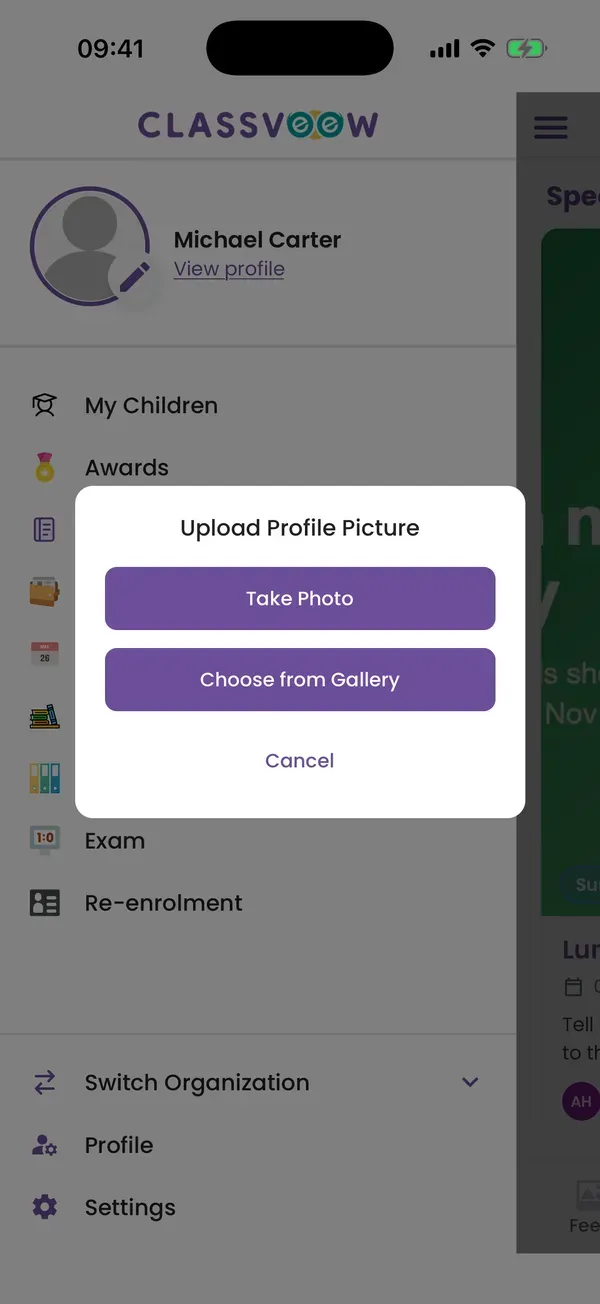
- Open the menu at the top left.
- Tap the pencil on your picture.
- Choose Take Photo or Choose from Gallery.
- Move and zoom the photo to fit the circle, then tap Choose.
Your child’s picture
- Tap your child’s picture at the top right.
- Tap the pencil on your child’s picture and follow the same steps.