One parent account holds all your children.
Steps
- Tap your child’s picture at the top right of the app.
- Under Switch profiles, tap the child you want.
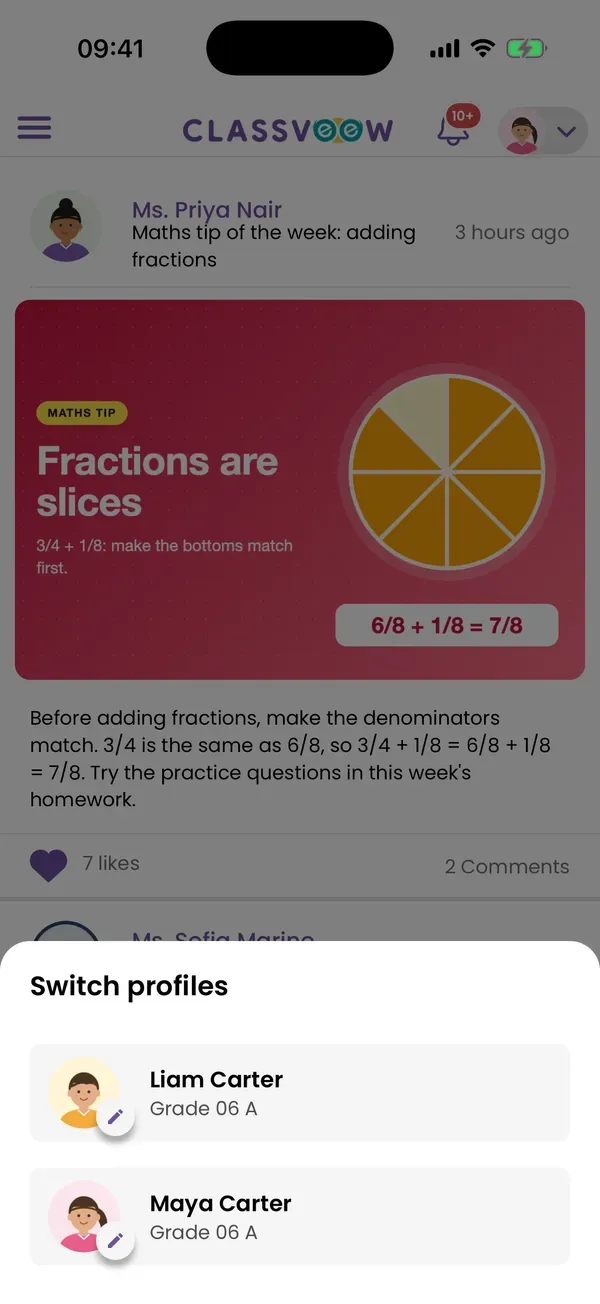
Everything in the app, such as attendance, payments, homework, results and events, now shows that child. The picture at the top right tells you which child is selected.