Steps
- Open the menu at the top left and tap Exam.
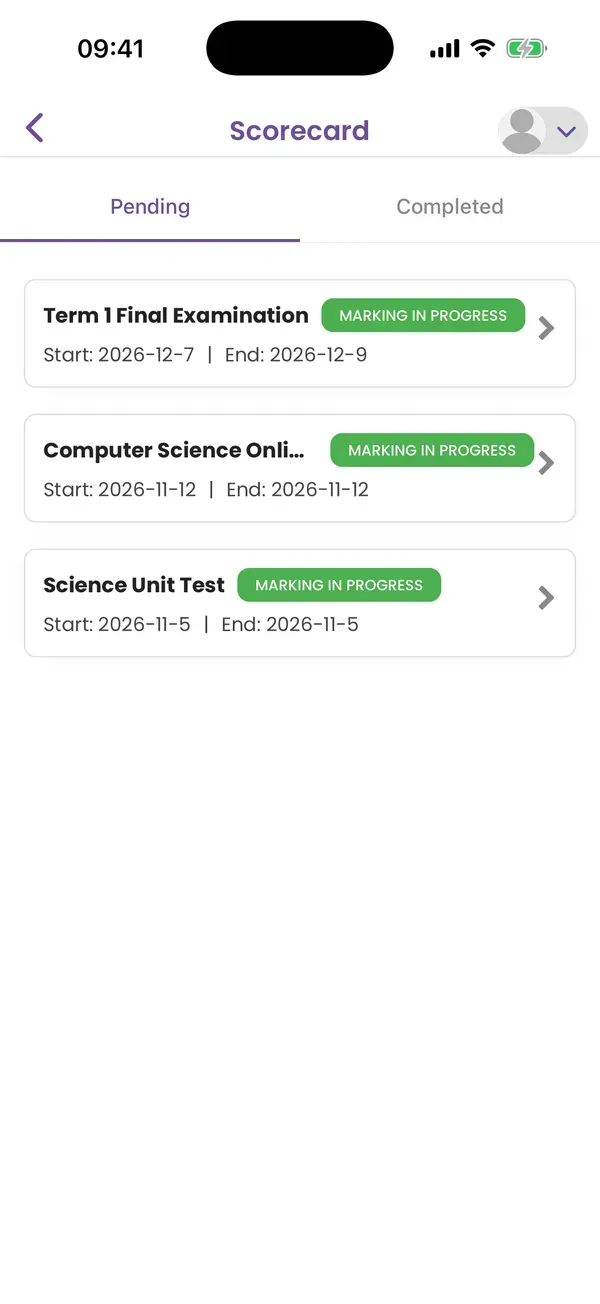
- The Scorecard screen has two tabs: Pending (exams still being marked) and Completed.
- Open a completed exam to see the overall score, the average, the highest and lowest marks, and the mark and grade for each subject.
- Tap View Report Card to open the report card.
- Tap Acknowledge Scorecard to let the school know you’ve seen it.
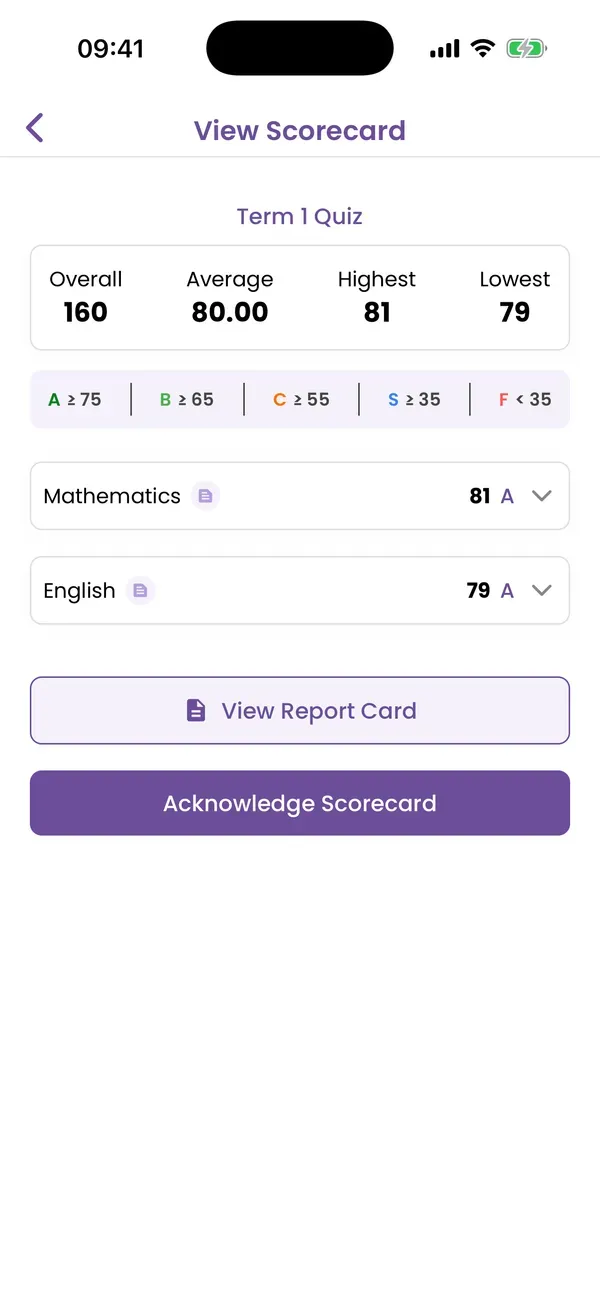
Good to know: the grade scale is shown above the subjects: A from 75, B from 65, C from 55, S from 35 and F below 35.