Today and the summary
Tap Profile at the bottom of the app. You see your child’s status for today and an attendance summary: attendance percentage, days present, days absent and leaves taken.
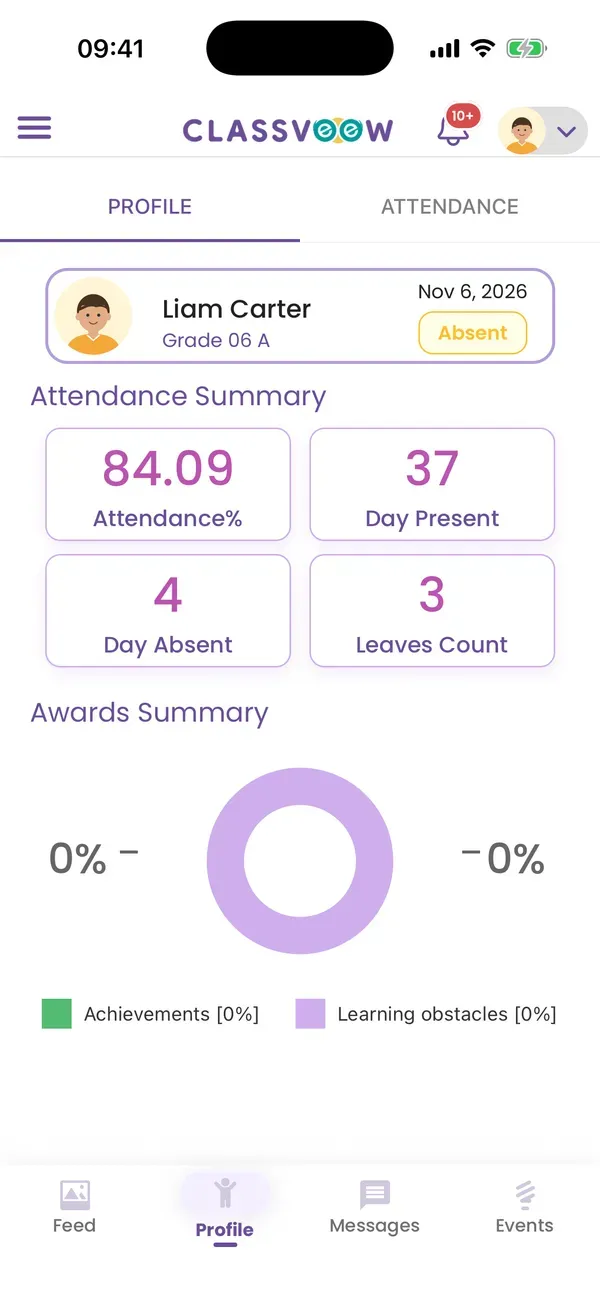
Tap the Attendance tab at the top of the profile to see day-by-day history.
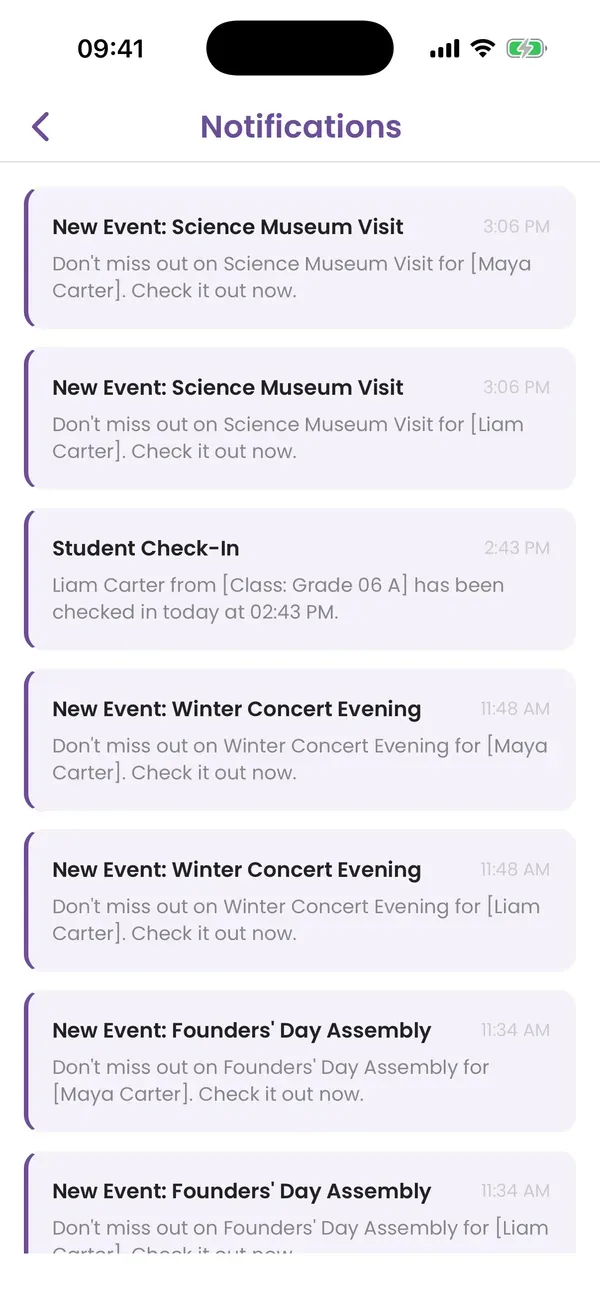
Notifications
When your child is checked in, you get a notification such as “Liam Carter from Grade 06 A has been checked in today at 02:43 PM”. Tap the bell at the top of the app to see all your notifications.