A fee template describes a fee (for example a term fee or a trip) and the classrooms it applies to. Invoices and paid events are created from templates.
Create the template
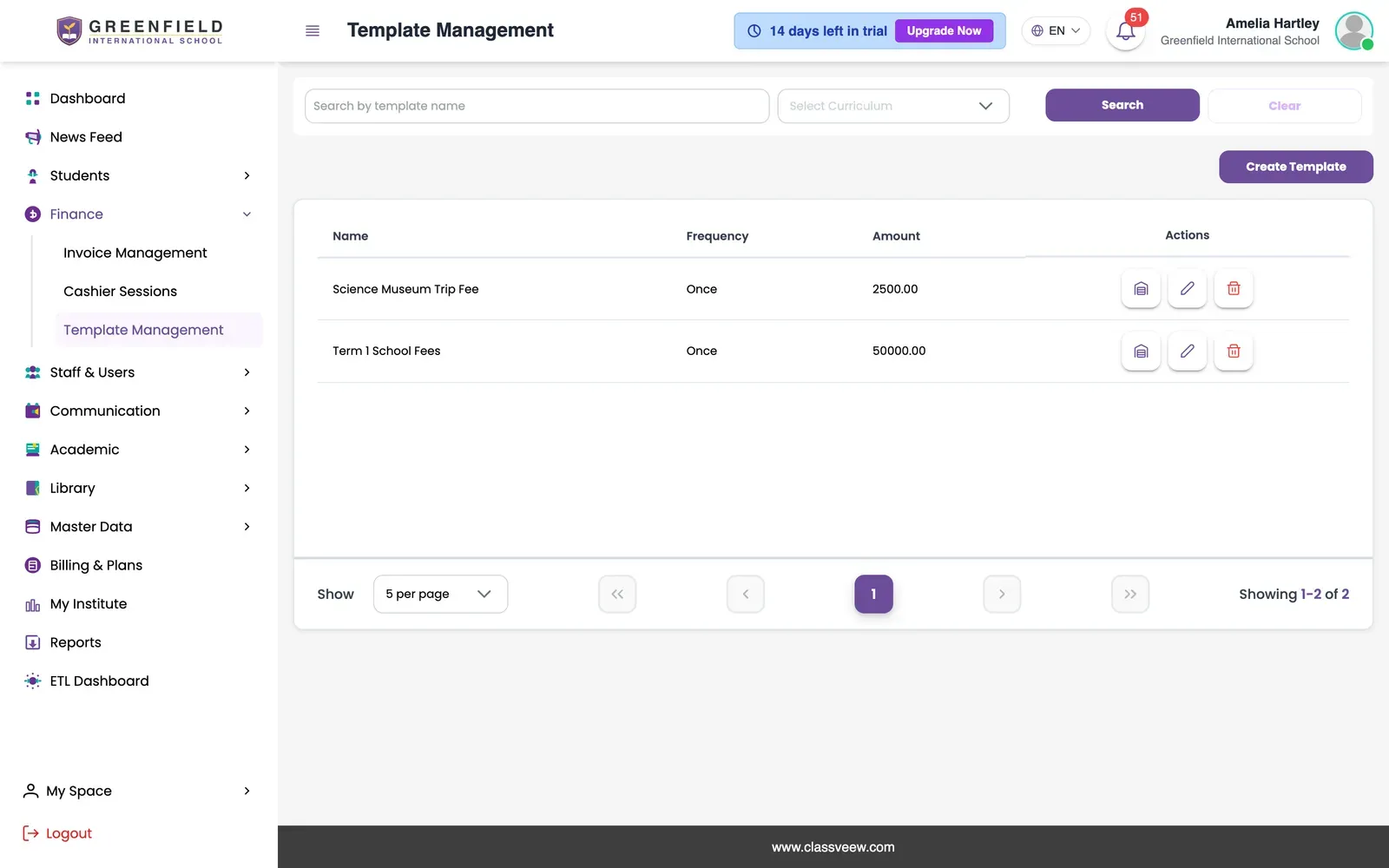
- Open Finance → Template Management and select Create Template.
- Enter a Template Name and choose the Template Type and Frequency.
- Add the invoice items: a description and amount for each. Add more with + Add Invoice Item.
- Add a global adjustment or tax if you need them, and tick Late Payment Penalty if it applies.
- Select Save Template.
- Choose the classrooms the template applies to: pick the curriculum, grade and classroom, select +, and then Submit.
Change the classrooms later
In the template list, use the first action button on the template’s row to open its classrooms. Add or remove classrooms, then select Submit.
Good to know: a paid event goes to the students in the template’s classrooms. Add a class to the template before you create an event for it. See Create a paid event.