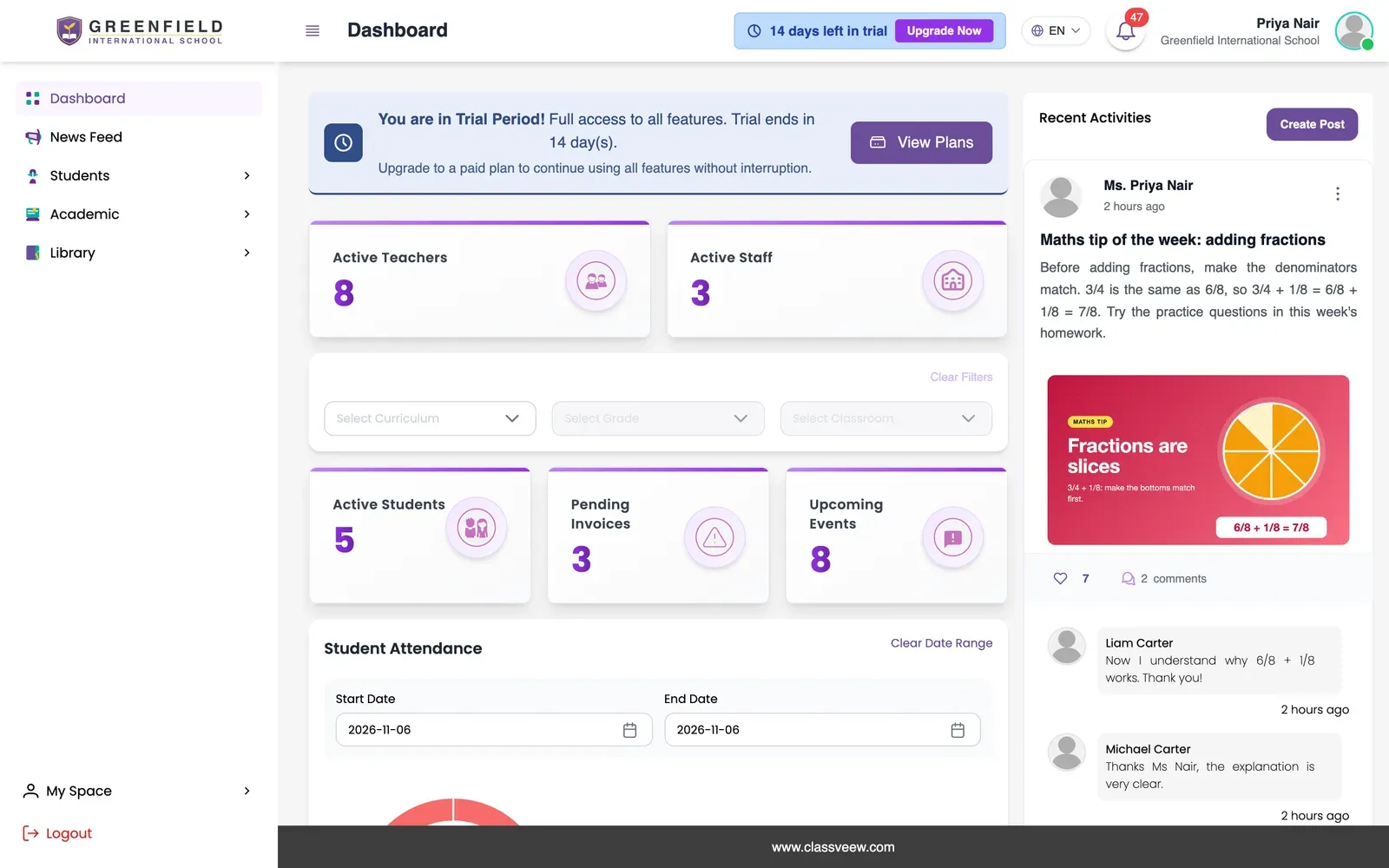
Teachers use the Classveew app on iPhone or Android for daily work, and the web portal for longer tasks such as homework and exams.
In the app
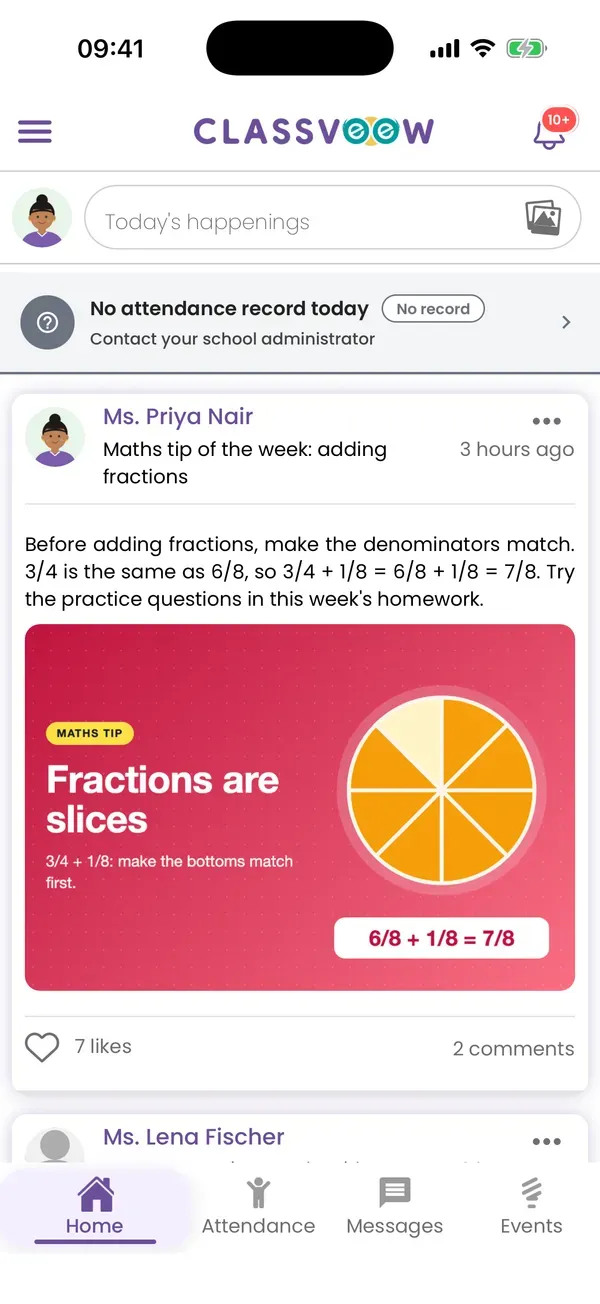
Sign in with the email and password your school gave you. The app has four tabs at the bottom:
- Home: the school news feed, a box to share today’s happenings, and your own attendance for the day.
- Attendance: mark your class register. See Mark attendance in the teacher app.
- Messages: send messages to parents. See Send a message to parents.
- Events: school events for your classes.
On the web portal
Sign in at app.classveew.com with the same email and password. Your dashboard shows the news feed, and the menu gives you students, attendance tracking, academic work (such as homework and exams) and the library, depending on what your school allows.